LG iPECS 1000i Range

Five desk phones.
One platform behind them.

The Ericsson-LG iPECS 1000i family is our standard desk phone range. Five models that look like a set, share the same menus and register to the same hosted platform — so a new starter can use any phone in the building without being trained on it.

The range

From the stockroom
to the switchboard.

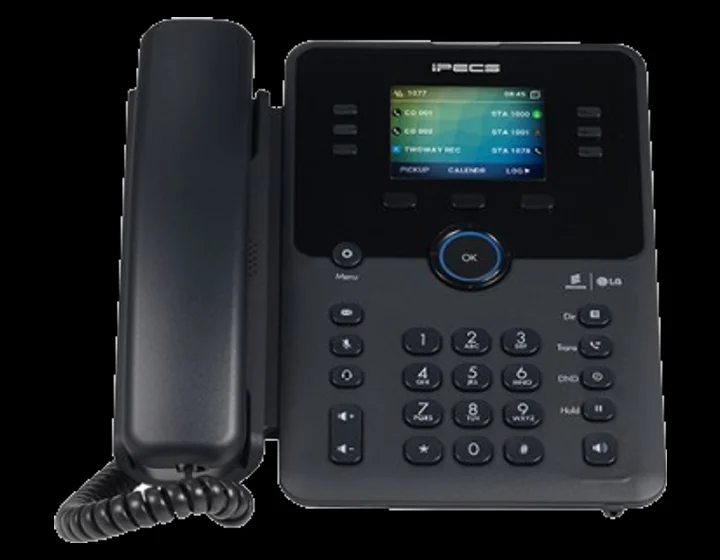
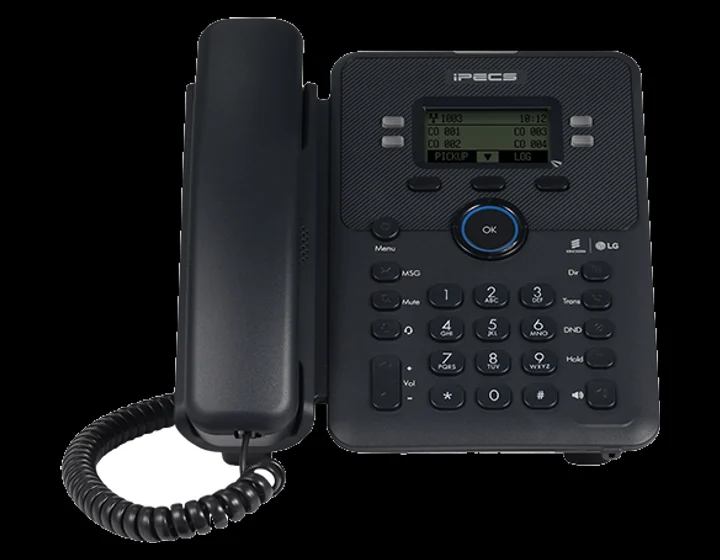
iPECS 1010i desk phone, front view

Entry / common areas

iPECS 1010i

The phone you put where somebody occasionally needs to make a call — a stockroom, a meeting room, a spare desk. Monochrome display, no clutter, and the same platform behind it as every other phone in the building.

  • Monochrome display
  • HD voice handset and speakerphone
  • Power over Ethernet
  • Wall-mountable
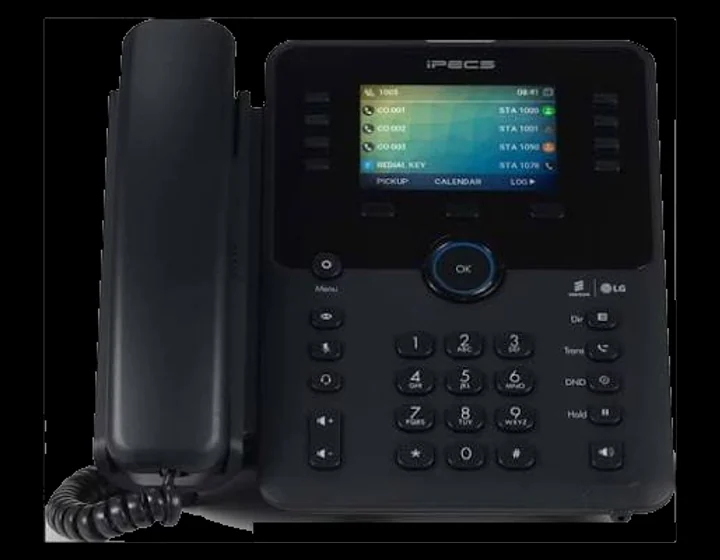
iPECS 1040i desk phone, front view

High call volume

iPECS 1040i

For the people who live on the phone — sales, service desks, anyone transferring calls all day. A colour display makes call handling legible at a glance instead of counting soft-key presses.

  • Colour LCD display
  • Extended programmable key bank
  • Gigabit Ethernet
  • USB and Bluetooth options
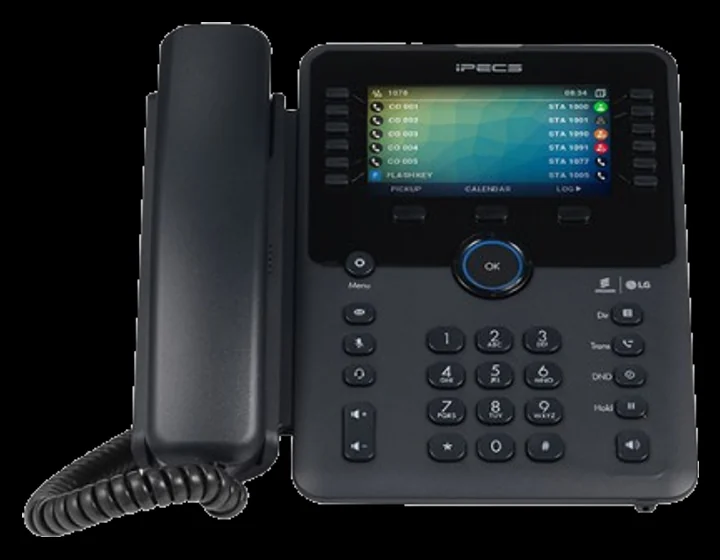
iPECS 1050i desk phone, front view

Reception and management

iPECS 1050i

The top of the range, and the one that goes on reception. A large colour display, self-labelling keys that rename themselves when your extensions change, and expansion modules when one screen of colleagues is not enough.

  • Large colour LCD display
  • Self-labelling LCD feature keys
  • Key expansion module support
  • Gigabit Ethernet, USB and Bluetooth
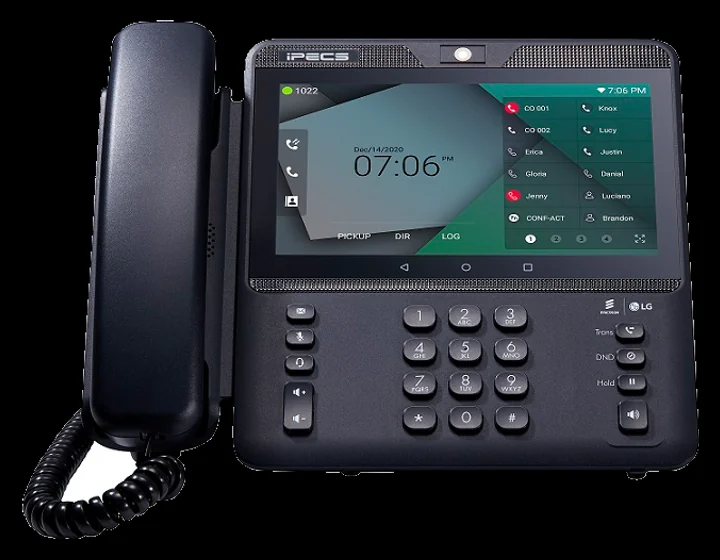
iPECS 1080i video desk phone, front view

Video and executive desks

iPECS 1080i

The video handset at the top of the range. A seven-inch colour touchscreen and a 720p camera, running Android underneath, so a director can take a video call at the desk without waking a laptop. HDMI out puts the same display on a larger screen for a small meeting room.

  • 7-inch colour touchscreen, 1024 x 600
  • 720p HD camera
  • 48 programmable keys
  • Dual gigabit Ethernet, Wi-Fi and Bluetooth
  • HDMI output

Across the range

What every 1000i
does out of the box.

HD Voice

Wideband audio on the handset and the speakerphone, so calls sound like a conversation rather than a corridor.

One Shared Directory

Every phone reads the same company directory. Add a colleague once and they appear on all of them.

Programmable Keys

Colleagues, hunt groups, park slots and speed dials assigned to physical keys with status lights.

Hot Desking

Log in to any handset and your extension, directory and keys follow you to that desk.

PoE and Pass-through

One cable for power and network, with a second port for the PC on most models.

Remote Provisioning

We push configuration changes centrally — no walking round the office with a laptop.

Choosing

Most offices need
two of these, not five.

The honest answer is that the 1030i suits about eight desks in ten.

Put 1030i handsets on the general desks, a 1040i or 1050i wherever calls get transferred all day, and a 1010i in the rooms where the phone is a formality. Mixing models costs nothing extra on the platform and stops you paying for colour screens nobody looks at.

Key counts, expansion options and firmware features vary by model revision and region. We confirm the exact specification against the current manufacturer datasheet before anything is ordered, so you never end up with a phone that nearly does what you needed.

Reception and switchboards

A 1050i with an expansion module — enough keys to see the whole company at once.

Sales and service desks

A 1040i. Colour makes queues and held calls readable at speed.

General office desks

A 1030i. Gigabit pass-through, plenty of keys, nothing wasted.

Meeting and common rooms

A 1010i. It rings, it dials, it stays out of the way.

Behind the handsets

The phones are the part
you can see.

Whichever models you choose, the call handling runs on the Gamma Horizon hosted platform — so hunt groups, auto attendants, out-of-hours routing and call reporting are configured centrally and follow your people to softphones and mobiles too.

Next step

Want a handset
on your desk to try?

Tell us how many desks you have and what your people actually do on the phone. We will spec the mix, and we would rather you tried one before committing to fifty.